
Raspberry PI Zero 2W camera
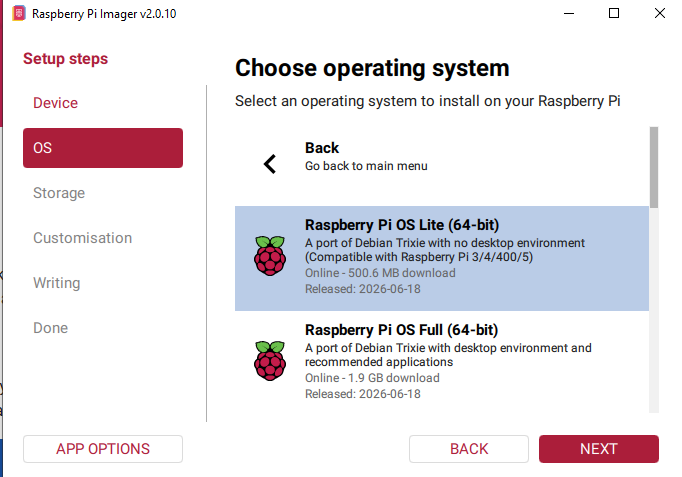
- Get the imager https://www.raspberrypi.com/software/ and write to sdcard, configure the dialogues
2. Plug in the sdcard, start the raspberry and log in via putty (find IP on router)
-> an USB port might not be powerful enough for heavy operations, so preerably a power outlet
3. Update and install workloads
sudo apt update
sudo apt full-upgrade -y

sudo apt install -y \
  rpicam-apps \
  python3-picamera2 \
  python3-numpy \
  python3-av \
  ffmpeg \
  samba

sudo reboot
Test the camera
rpicam-hello --list-cameras
Create directories
mkdir -p ~/camera ~/videos ~/timelapse
Upload scripts (via powershell)
scp C:\ZeroCameraBackup\record-motion.py xxx@Zero.local:/home/xxx/camera/
scp C:\ZeroCameraBackup\aim-camera.sh xxx@Zero.local:/home/xxx/camera/