Setup
create docker image
docker run -d --name windows_vm -p 8006:8006 -p 3389:3389/tcp -p 3389:3389/udp --device=/dev/kvm --cap-add=NET_ADMIN -e VERSION="11" -e RAM_SIZE="4G" -e CPU_CORES="2" --stop-timeout 120 dockurr/windows
RDP into the virtual machine and use powershell
Invoke-WebRequest -Uri "https://builds.dotnet.microsoft.com/dotnet/Sdk/10.0.100/dotnet-sdk-10.0.100-win-x64.exe" -OutFile "$env:TEMP\dotnet-sdk.exe"
Start-Process "$env:TEMP\dotnet-sdk.exe" -ArgumentList "/install /quiet /norestart" -Wait
mkdir C:\metricpoc
cd C:\metricpoc
dotnet new console
Replace program.cs
using System.Net.Http.Json;

using var http = new HttpClient
{
    BaseAddress = new Uri("http://localhost:8293")
};

while (true)
{
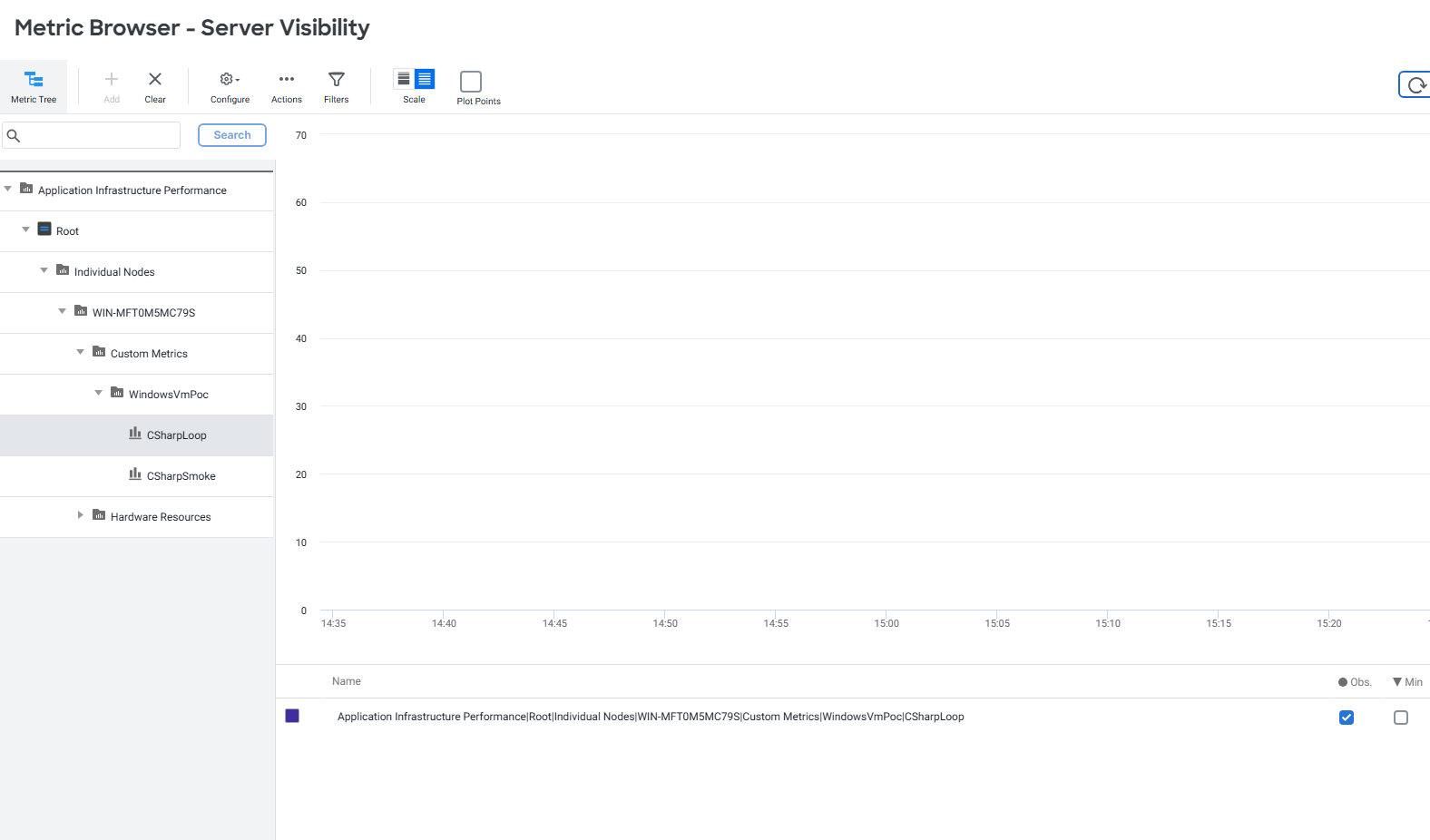
    var metricName = "Custom Metrics|WindowsVmPoc|CSharpLoop";
    var value = Random.Shared.Next(1, 100);

    var payload = new[]
    {
        new
        {
            metricName,
            aggregatorType = "OBSERVATION",
            value
        }
    };

    Console.WriteLine($"{DateTime.Now:HH:mm:ss} Sending {metricName} = {value}");

    using var response = await http.PostAsJsonAsync("/api/v1/metrics", payload);

    Console.WriteLine($"HTTP {(int)response.StatusCode} {response.StatusCode}");
    response.EnsureSuccessStatusCode();


    var metricName2 =
        "Server|Component:SdkConsole|Custom Metrics|WindowsVmPoc|CSharpLoop";

    var value2 = Random.Shared.Next(1, 100);

var payload2 = new[]
{
    new
    {
        metricName = metricName2,
        aggregatorType = "OBSERVATION",
        value = value2
    }
};
    Console.WriteLine($"{DateTime.Now:HH:mm:ss} Sending {metricName2} = {value2}");

    using var response2 = await http.PostAsJsonAsync("/api/v1/metrics", payload2);

    Console.WriteLine($"HTTP {(int)response.StatusCode} {response.StatusCode}");
    response2.EnsureSuccessStatusCode();


    await Task.Delay(TimeSpan.FromSeconds(60));
}
Turn off firwall
notepad C:\AppDynamics\bin\MachineAgentService.vmoptions add these at the end
-Dmetric.http.listener=true
-Dmetric.http.listener.port=8293
-Dmetric.http.listener.host=0.0.0.0
disable or configure irewall
dotnet run